Login to your bKash account with your account's PIN number and tap on "পে বিল" option.
In "পে বিল" option you'll find " Asian Network". Simply tap on it and follow the next step.
Now select your internet billing timeline in "বিল সময়সীমা" box & input your customer in "বিল একাউন্ট নম্বর দিন" box.
If you want to save the payment info for quick payment, you can simple tick the checkbox "ভবিষ্যৎ বিল পেমেন্টের জন্য একাউন্টটি সেভ করে রাখুন".
After that, tap the "পে বিল করতে এগিয়ে যান" button & hold the pay button for a few second. You're done!
1 Select "Bill Pay"
Open Nagad App and select "Bill Pay".
2 Find Asian Network
Search for "Asian Network" in the Biller list.
3 Pay & Confirm
Enter your Customer ID, check amount, and confirm with PIN.
Nagad Payment
Fast and secure payments.
Login to your Rocket account with your account's PIN number and tap on "Bill Pay" option.
In "Bill Pay" option you'll find "Select Biller" tab. Tap on it.
In "Select Biller" tab you'll find "Asian Network". Tap on it and follow the next step.
Now enter your "Customer Number, Mobile Number and the Amount". Also check the "Pay For" option.
After that, tap the "Validate" button & proceeds the payment. You're done!
Rocket Payment
Dutch-Bangla Bank Mobile Banking.
UCB Bank
BUSINESS ACCOUNT
BRAC Bank
BUSINESS ACCOUNT
Instant Payment via QR
Open your banking app, scan the code, and pay instantly.
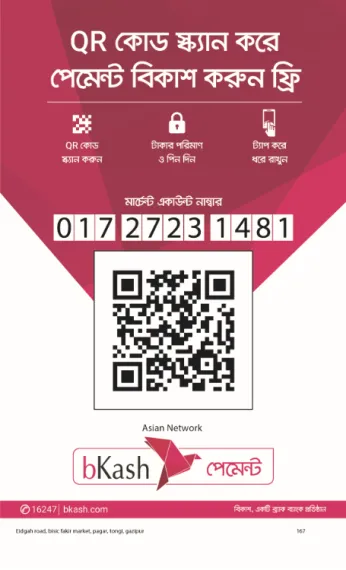
bKash Payment
Scan with bKash App
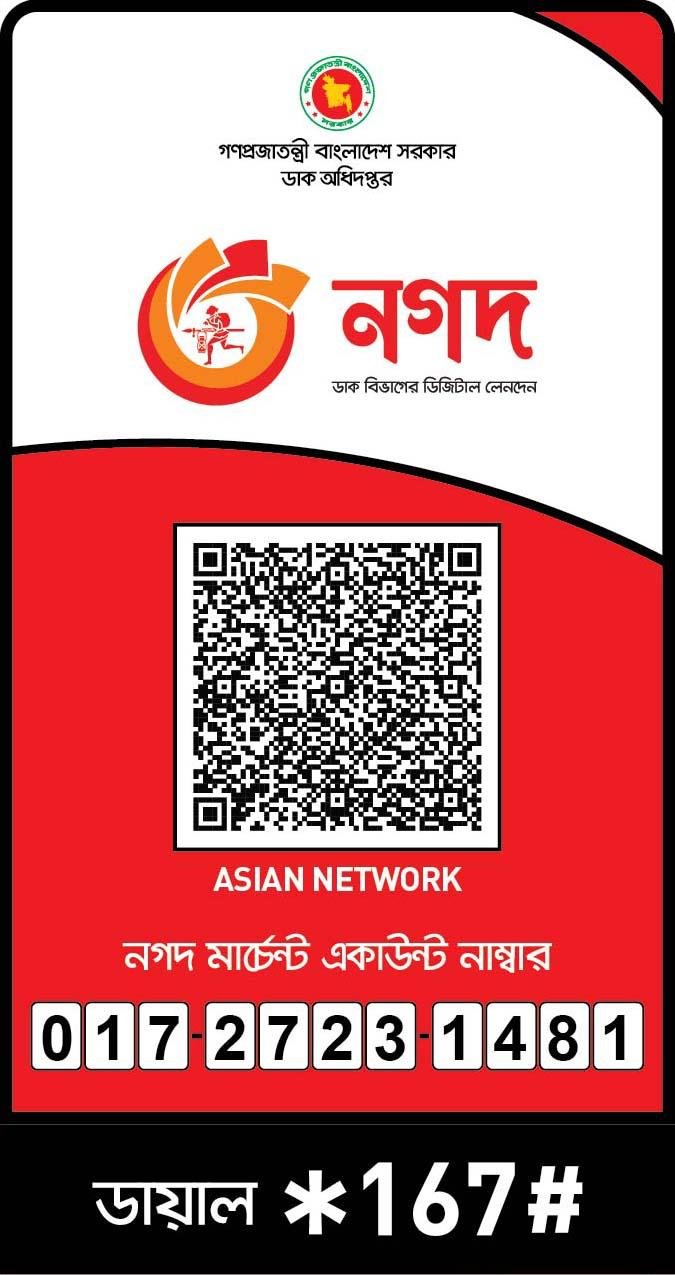
Nagad Payment
Scan with Nagad App
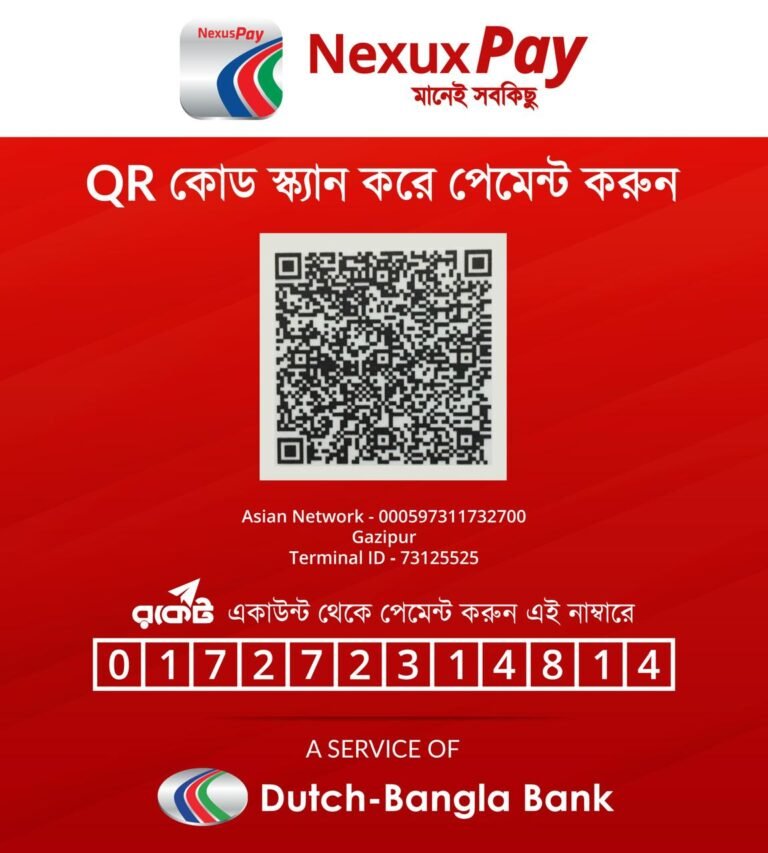
NexusPay
Scan with NexusPay App